
Word Courses
Word Courses are a great tool for structuring text.
Writing proposals, agreements, contracts, basic flyers, process and procedures.
Lengthy documents.Formatting a Word document correctly will save you time in the long run.
WORD INTRODUCTION
Duration: 1 Day
Objective:
To gain understanding of the potential of Word. Be able to create a basic document apply formatting and print successfully
Essential:
Have Mouse Skills, an awareness of keys on keyboard e.g.: Shift, spacebar, and Enter key
Preferable
Some practical application for the course attending. Need a general overview of Word processing.
Learning Outcomes: By the end of the day you will be able to understand what Word is capable of. Create your own basic word document, apply formatting, and print.
Topics
Module 1 Getting Started
Opening a Word Document, Using Templates, Getting to Know the Environment, Saving Switching Between documents. Close All Word Documents
Module 2 Navigating
Understanding different mouse pointers, Navigation Techniques, Selection Techniques. Overtype mode, Cut, Copy, Paste, Undo & Re Do.
Module 3 Text Formatting:
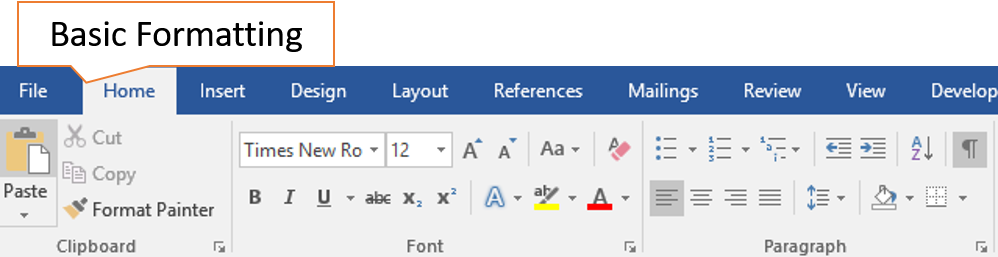
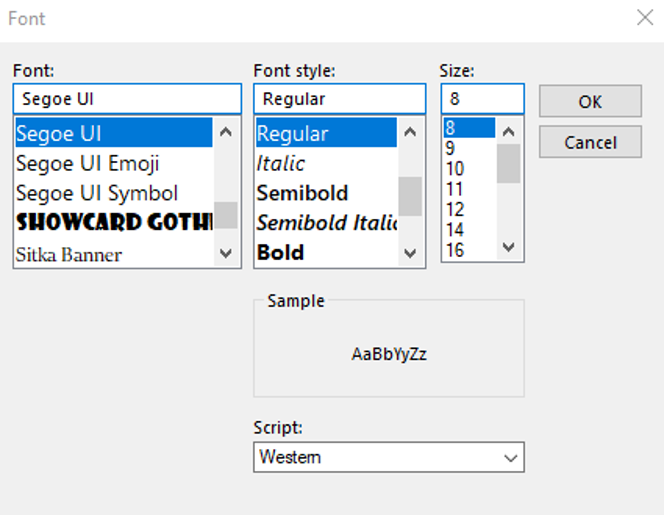
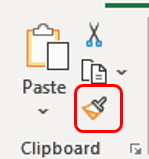
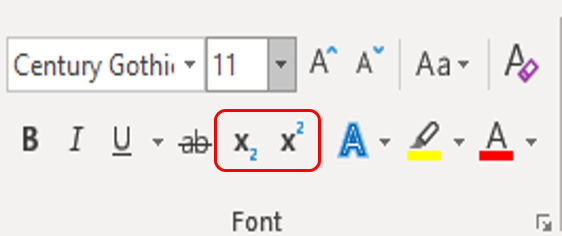
Font, Format Painter, Background, Change Case.
Module 4 Paragraph Formatting:
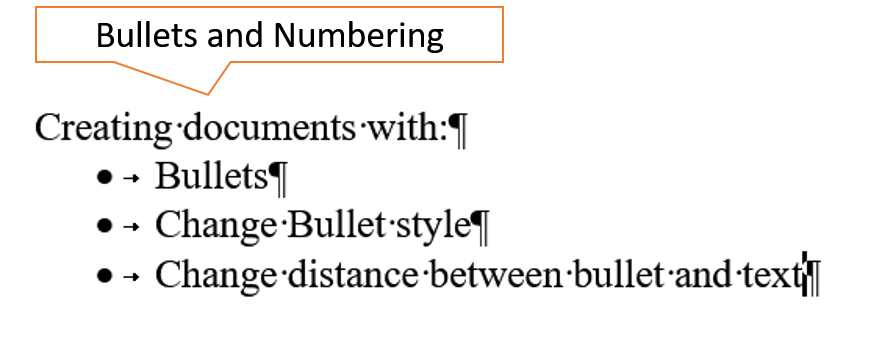
Spacing, Alignment, Paragraph Indenting, Bullets & Numbering, Borders & Shading.
Module 5 Tables
Insert tables, Draw tables, Insert and Excel Spreadsheet from Tables, without copy and paste from Excel to Word.
Module 6 Printing:
Page Setup, Insert Page Breaks, Using Header & Footer, Print Preview.
Module 7 Proofing Tools:
Send To, Flag for Follow up, Spell check, Gramma, AutoCorrect, Find & Replace.
What People Say about AZ Solutions
Book a Word Course
Consult with a trainer about your learning outcomes for the team.