
Word Courses
Send letters to client easily using MAIL MERGE, reply to multiple applications in a smooth transaction.
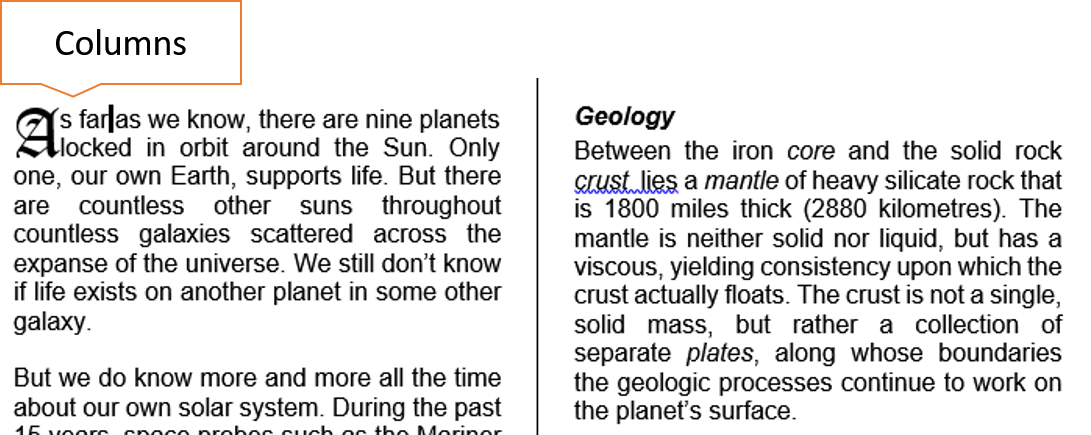
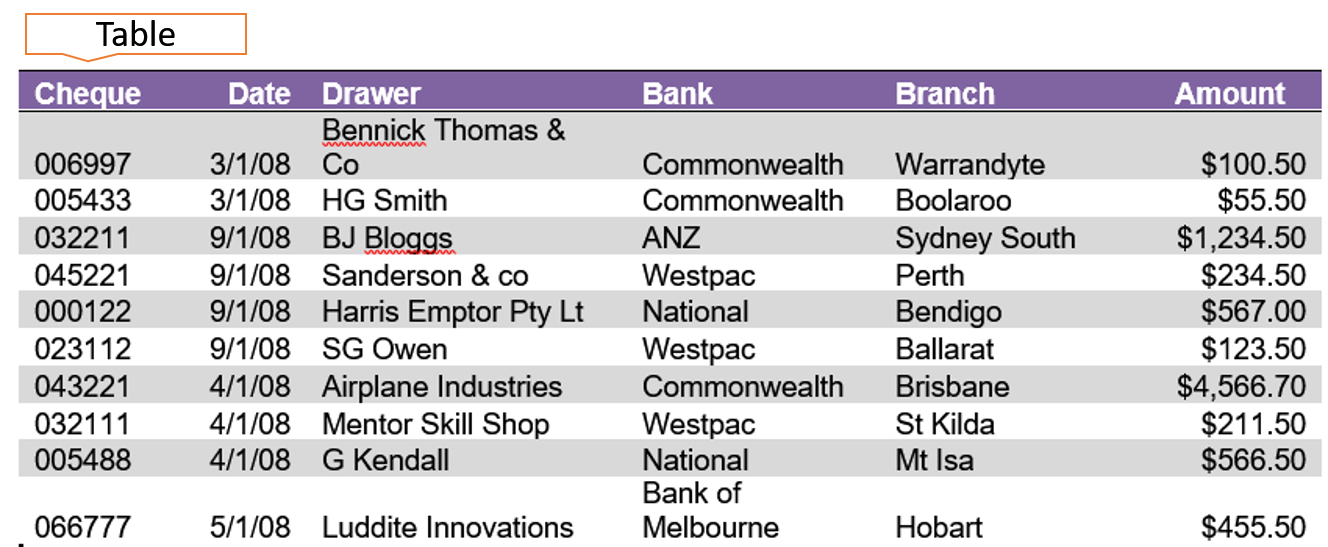
Create document with multiple columns. Insert tables via DRAW and insert EXCEL SPREADSHEET.
Manage hyperlinks and set up field with QUICK PARTS.
WORD INTERMEDIATE

Duration:1 Day
Objective:
To expand existing Word knowledge. Be able to create table, work with columns, do a mail merge and save document as a web page.
Learning Outcomes:
By the end of the day you will be able to understand how larger Word documents work, have a greater understanding of Tables, You will be more confident in presenting statistics in a Word document.
Topics
Module 1 Tables:
Creating tables, Selecting cells, Inserting Columns/Rows, Deleting Columns/Rows, Tables and Borders Toolbar, Changing Column widths, Formatting, Borders and Shading, Formulas, Sorting data in a table.
User Draw Table and Insert Excel Spreadsheet without copy and Paste from Excel to Word.
Module 2 Mail Merge:
Creating a Data Source, Creating a Mail Merge Doc, Mailing Labels.
Module 3 Tabs:
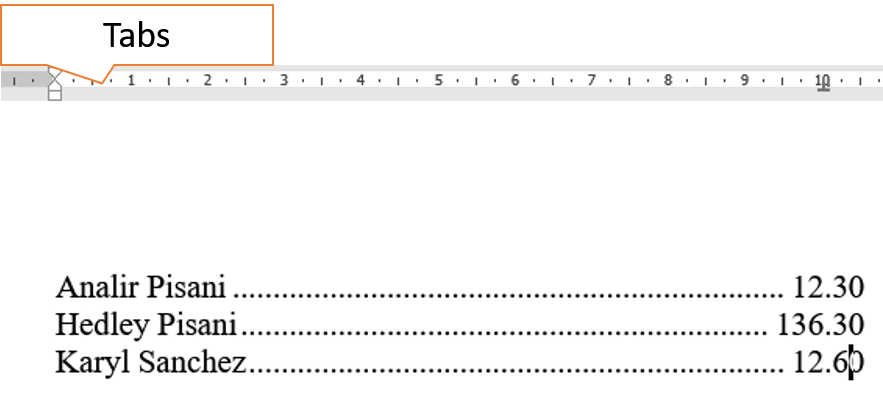
Setting Tabs, Removing Tabs, Setting a Leader tab.
Module 4 Importing Data:
Import Excel Files, Import as a Link, Import as an object.
Module 5 Working with columns:
Creating Columns, Adjusting the width, Setting Column Breaks, Drop Cap.
Module 6 Automated Features:
Creating Headers, Footers and Cover pages using Quick Parts , Insert Fields, Creating Graphs, Modifying Graphs.
Module 7 Hyperlinks:
Create Hyperlinks, Modify Hyperlinks.
What People Say about AZ Solutions
Book a Word Course
Visit our available dates page and consult with a trainer about your learning outcomes for the group.