
Excel Courses
Use Microsoft Excel to enter data in columns and rows, applying BORDERS to define and make appealing for PRINTING.
Understand how to FORMAT dates and percentage, but more importantly to CLEAR FORMATTING as needed. Learn basic FORMULAS, comprehend the difference between a formula and FUNCTION.
EXCEL INTRODUCTION
Duration:1 Day
Objective: To gain an understanding of the potential of Excel. Be able to create basic formulas apply formatting and print successfully.
Essential: Have Mouse Skills, an awareness of keys on keyboard e.g.: Shift, space bar, and Enter key.
Learning Outcomes: By the end of the day you will be able to understand what Excel is capable of. Create your own spread sheets, apply formatting, perform basic Formulas/Functions and print.
Topics
Module 1 Getting Started
Opening an Existing Spreadsheet, Using Templates, Getting to Know the Environment, Saving Switching Between Workbooks. Close All Excel Workbooks
Module 2 Navigating
Cell Pointers, Navigation Techniques, Selection Techniques, Freezing Panes, Splitting Zoom
Module 3 Editing
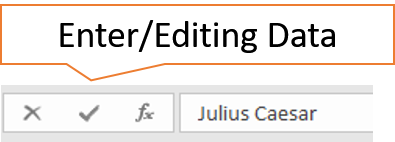
Entering Data, Editing Data, Undo & Re Do, Deleting Data, Deleting Columns & Rows, Inserting Columns & rows, Change Column Width
Module 4 Automated Features
AutoComplete, Auto Fill, Flash Fill, Sequences and Series, Custom Lists
Module 5 Formulas & Functions
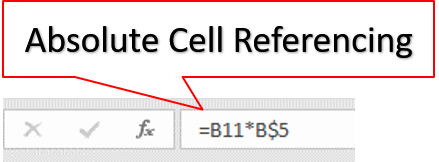
Basic Formulas, Basic Functions:- Sum, Average, Max, Min, Count, Counta. Using the Function Wizard, Relative Cell Referencing, Basic Absolute Cell referencing
Module 6 Formatting
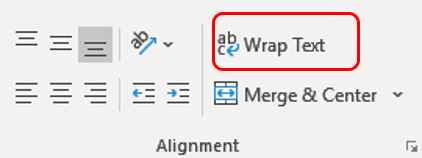
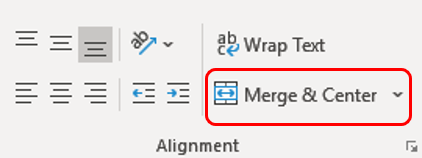
Cells Font Formatting, Conditional Formatting, Formatting $ % Decimals, Using Clear Format, Using Clear all, Using Format Painter. Merge Cells, Text Wrap, Apply Borders Cut, Copy, Paste, Paste Special :- Keep source column width, Format Tables
Module 7 Printing
Work in Page Break, Preview, Insert page breaks, Set headers to repeat. Understand Page Setup, Print settings , print selection , print Active Sheet
What People Say about AZ Solutions
Book an Excel Course
Consult with a trainer about your learning outcome needs for the team.