
PowerPoint Courses
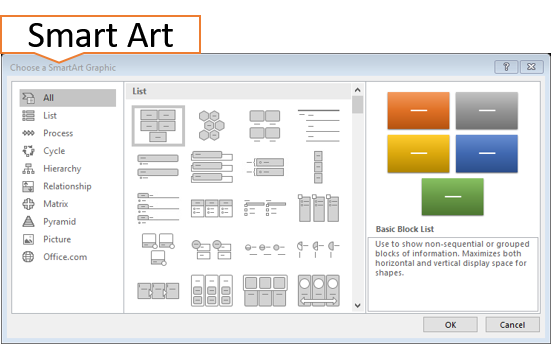
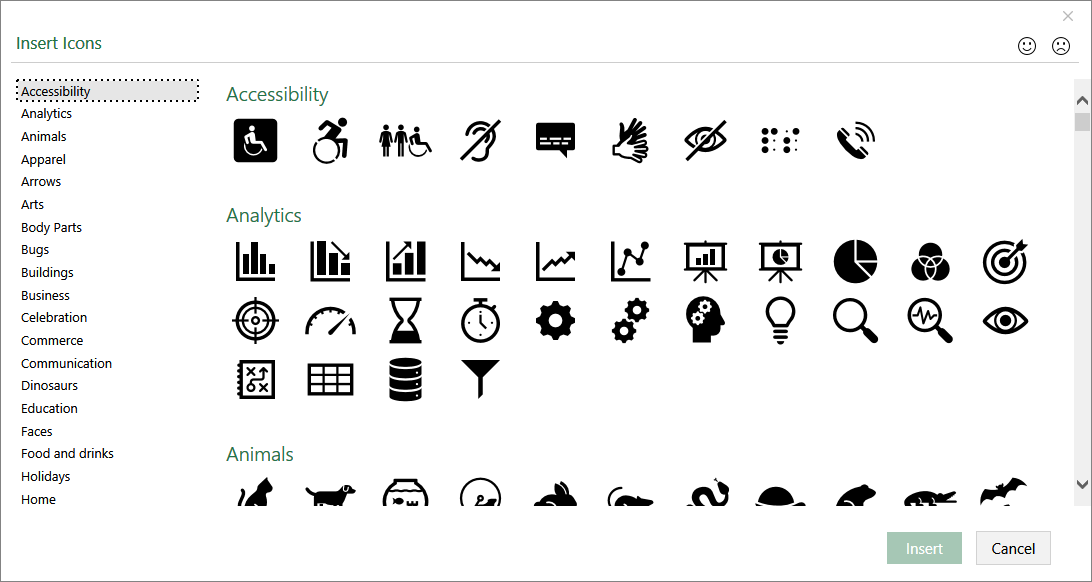
PowerPoint Courses are a great tool for creating a visual impact on presentations using infographics. There are built in icons, SYMBOLS and images ready for customizing.
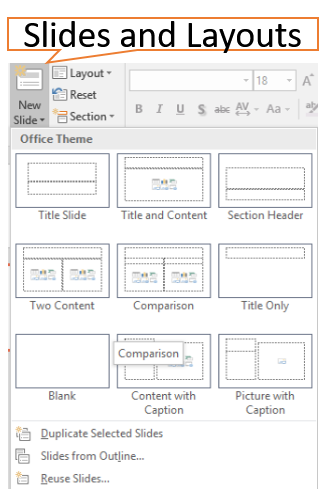
Make your own shapes by grouping and arranging behind other SHAPES. Understanding the SLIDE LAYOUTS that come with the system is very important for consistency and having a professional look.
POWERPOINT INTRODUCTION
Duration:1 Day
Objective: To be able to create a Presentation from scratch
Learning Outcomes: By the end of the day you will be able to understand what PowerPoint is capable of. Create your own simple PowerPoint presentation, apply formatting, have a good understanding of Slides and Layout compositions.
Topics
Module 1 Getting Started
Opening an Existing PowerPoint , Using Templates, Getting to Know the Environment, Saving Switching Between presentations.
Module 2 Navigating
Understand Views, Work with Layouts, Resetting Layouts, Selection Techniques
Module 3 Creating Presentations:
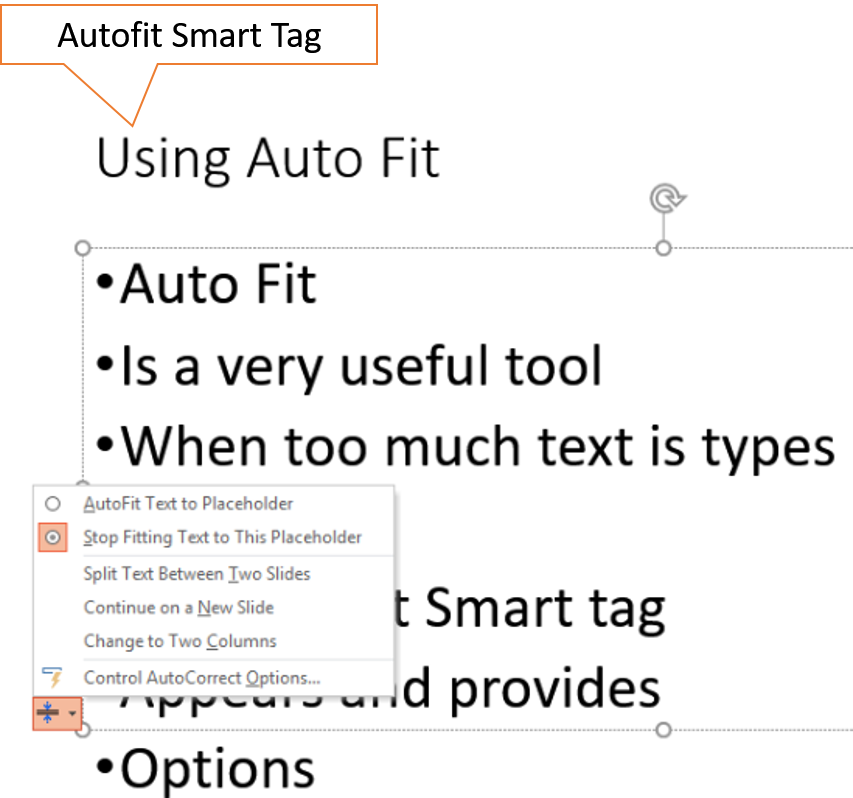
From Templates, Using Bullets & Sub Bullets, Apply Formatting, Using Auto Fit.
Module 4 Global Changes:
Apply a theme, Headers & Footers, Use columns.
Module 5 Pictures:
Using Smart Art, Inserting/Manipulating Pictures, Working with Shapes, Group, Sent to Back/Forward, Using Word Art.
Module 6 Manipulating slides:
Delete Slides, Move Slides, Undo and Re Do, Duplicate Slides, Hide Slides.
Module 7 Customization:
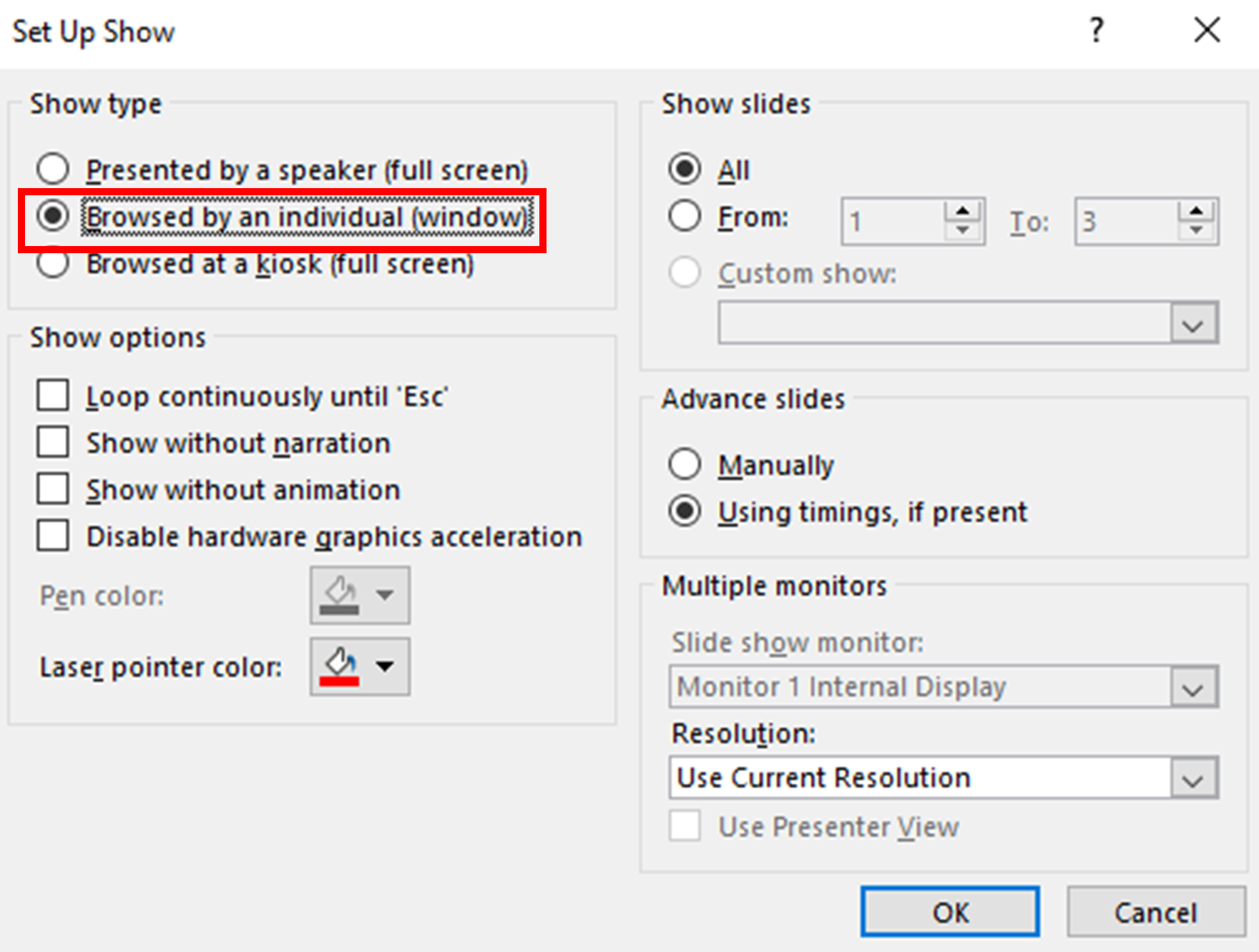
Set Transitions, Running Slide show, Running from the Current, Presenter view.
NO POWERPOINT INTERMEDIATE POWERPOINT ADVANCED
What People Say about AZ Solutions
Book a PowerPoint Course
Consult with a trainer about your learning outcomes for the group.