
Excel Courses
Use Microsoft Excel to create GRAPHS and constructing FORMULAS and FUNCTIONS.
The IF and XLOOKUP Functions will prove very useful in many Excel spreadsheets.Working with lists, SORTING and filtering data and applying FORMATTING will make your spreadsheets pop.
EXCEL INTERMEDIATE
Duration:1 Day
Objective: To become familiar with functions and working with multiple sheets.
Essential: An awareness of keys on keyboard e.g.: Shift, space bar, and Enter key. Completed Introduction or equivalent.
Learning Outcomes:
By the end of the day you will be able to understand Absolute cell references, have a greater understanding of Functions & linking sheets. You will be more confident in manipulating data.
Topics
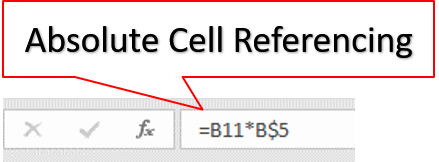
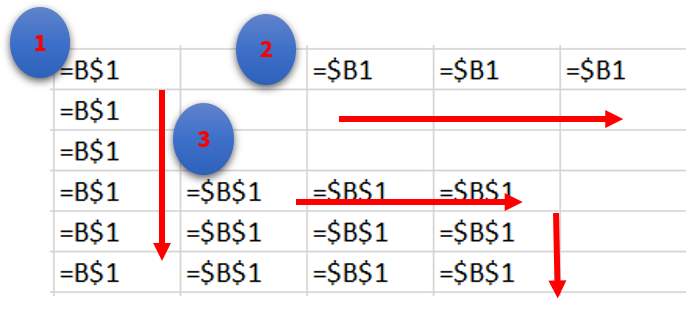
Module 1 Cell Referencing
Absolute Cell Referencing, Mixed Absolute Cell Referencing
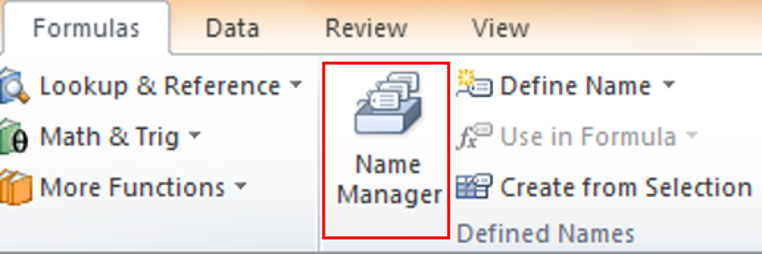
Module 2 Range Names
Defining a Range Name, Creating a Range Name, Using range names in Functions, Create Range Name from Selection, Paste List
Module 3 Functions
Basic IF Function, SUMIF, COUNTIF, Nested IF Functions, IF with And/Or/Not, VLOOKUP, HLOOKUP
Module 4 Arrays
Using Array instead of Absolute, Creating Arrays, Editing an array
Module 5 Working with Sheets
Create Multiple Sheets, Using Group Mode, Naming/ Deleting/Inserting Moving/Copying Sheets, Linking Sheets, External Sheet Linking, Creating 3D Formulas, Data Consolidate
Module 6 Working with Data
Sorting/Filtering, Sort/Filter by Colour, Filter by dates, Using Search filter, Create a Table, Sheet Protection, Workbook Protection
Module 7 Graphs
Creating Graphs using Insert, Creating Quick Graphs, Manipulating Graphs, Change Chart types, Change Layouts, Combinations charts, Secondary axis
What People Say about AZ Solutions
How Can We Help You?
Contact us with your specific Microsoft Training requirements and we will find an answer for you.